Portrait animation
Add a breath, a blink, or a slight head turn to a still portrait. Keep the expression calm so the face does not drift.
Video generation · Workflow guide
A still photo already contains the composition. Image-to-video should add motion without redesigning the frame. The prompt has one job: tell the model what moves, how the camera moves, and what must not change.
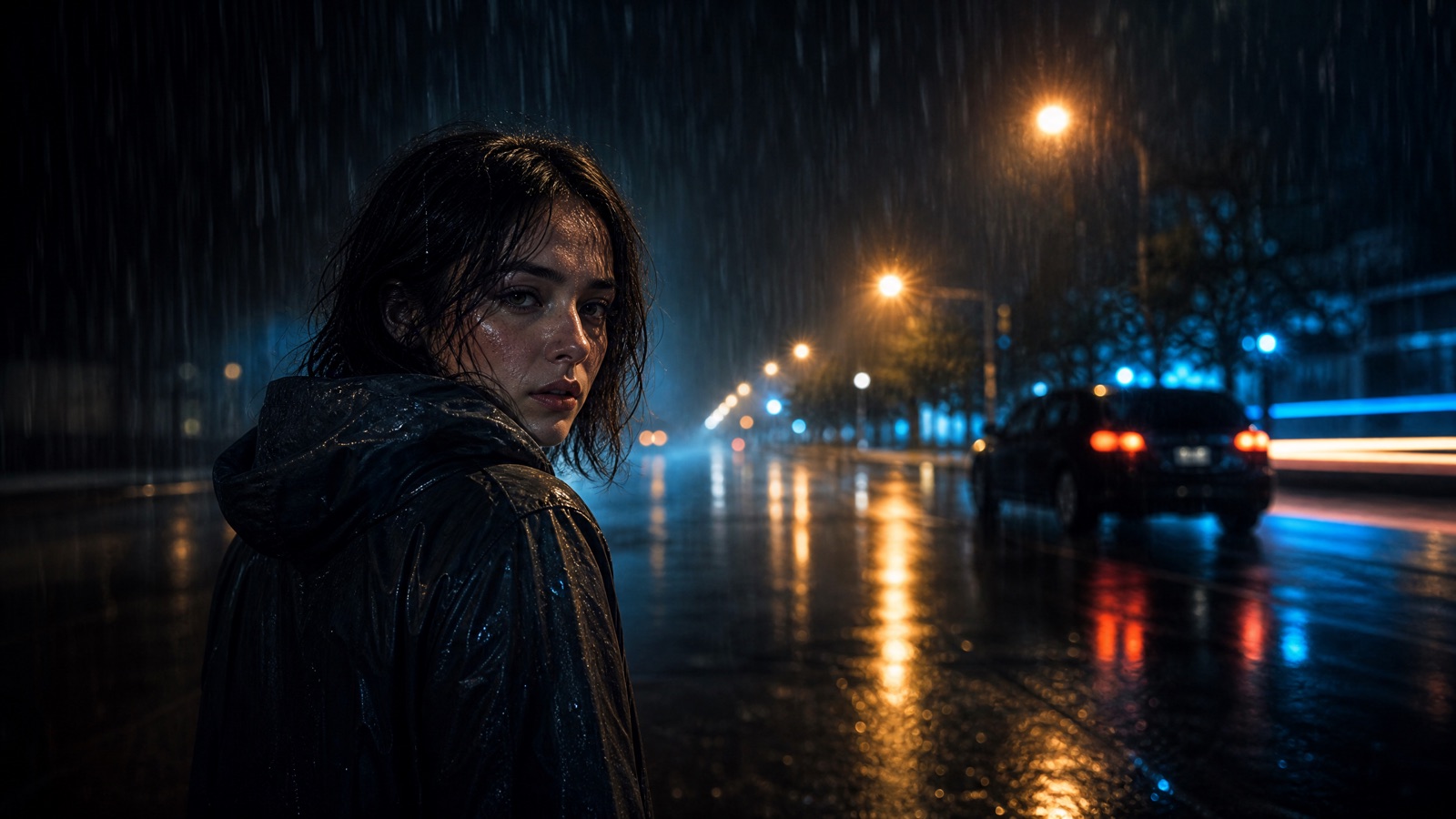
Upload one clear image and describe only the motion, camera move, and atmosphere. Protect the face, wardrobe, and framing. Keep the first version subtle: a head turn, drifting fog, or a slow push-in. Review identity and anatomy before adding a second effect.
One sharp image with visible limbs and a clean edge
A 5-second clip with one motion cue
Kling 3.0, Veo 3.1, Sora 2, Gemini Omni Flash, Hailuo
Edit or extend the clip on Flash Omni
Pick a preset, adjust the subject and scene, then copy the prompt. The optional photo preview stays in your browser: this page does not upload it. The generator is a separate site with its own terms and pricing.
Copying the prompt does not create an account or charge credits. The hosted generator opens a separate site with its own terms and pricing.
Add a breath, a blink, or a slight head turn to a still portrait. Keep the expression calm so the face does not drift.
Move the camera around a packshot or rotate the product on a plinth. Protect the label and silhouette.
Animate clouds, water, fog, or traffic in a wide shot. The camera can stay locked while the scene moves.
Turn a costume still into a short reveal with fabric movement, a head turn, and a slow push-in.
The model cannot reliably invent missing limbs. Choose an image where hands, feet, and hair are fully visible or clearly out of frame.
One primary action per clip: turn, blink, drift, pour, or rotate. A second action is a second generation.
A slow push-in, a gentle orbit, or a locked-off frame. Do not combine a dolly, a whip pan, and a zoom in the same shot.
Watch the face, hands, and costume seams frame by frame. If they drift, reduce the motion and generate again.
Use this structure as a checklist. Replace the bracketed fields, keep the protection lines, and remove anything that does not apply to your shot.
Use the uploaded image as the exact first frame and visual reference.
Create a continuous [duration]-second cinematic shot.
Action: [one motion].
Camera: [one camera move].
Atmosphere: [fog, light, particles].
Keep the subject's face, costume, and body proportions consistent.
Do not change identity, add characters, or introduce scene cuts.
No text, no logos, no watermarks.These notes describe where each model tends to fit. They are not a ranking. Model availability changes by provider: WaveSpeed, SeeAPI, FAL, Replicate, and Kie all serve image and video models in this class. The hosted generator shows the available models and credit cost before you run a job.
| Model | Best fit |
|---|---|
| Kling 3.0 | Character motion and cinematic camera moves when the reference already has a strong composition. |
| Veo 3.1 | Detailed scenes with coherent lighting and optional audio cues. |
| Sora 2 | Physically believable motion and atmosphere for short shots. |
| Gemini Omni Flash | Conversational, multi-turn editing after the first clip exists. |
| Hailuo | Expressive character motion for stylized or social-first clips. |
The safest first animation. Small motion protects identity and gives the clip a documentary feel.
Use the uploaded portrait as the exact first frame. Create a continuous 5-second cinematic shot. Add a subtle breath, one natural blink, and a very slight head turn toward the camera. Slow push-in, 85mm lens, eye level. Keep the face, hair, skin tone, and outfit identical to the reference. Do not change identity, add characters, or cut the scene. No text, no logos, no watermarks.The product stays still; the camera moves. This avoids warping the label and keeps the packshot usable.
Use the uploaded packshot as the exact first frame. Create a continuous 5-second product shot. Rotate the camera slowly around the product while a narrow highlight travels across the surface. Dark studio plinth, soft gradient, controlled reflections. Keep the product shape, label, cap, and logo placement exact. Do not add text or change the packaging. No watermarks.When the subject is a place, animate the atmosphere and leave the architecture alone.
Use the uploaded landscape as the exact first frame. Create a continuous 5-second cinematic shot. Drift low fog across the foreground and move the clouds slowly behind the horizon. Locked-off wide shot with a very slow push-in. Keep the horizon level and the buildings unchanged. Natural dusk light, realistic motion. No text, no logos, no watermarks.If the prompt describes a different location, the model may regenerate the image instead of animating it. Protect the reference first.
Fast dances, fights, and camera whips break anatomy. Start small and increase only after a clean result.
A soft or compressed image gives the model less identity information. Use the largest clean frame you have.
Hands and feet at the edge of the frame are the first things to duplicate or melt. Reframe before generating.
A sharp, well-lit frame with a clear subject, visible hands, and clean edges. Portrait, product, and landscape references all work when the composition is readable.
Start with five seconds. Short clips are cheaper to iterate on and easier to judge for identity drift. Extend or edit after the first result is clean.
Yes, when you protect the face, hair, skin tone, and body proportions in the prompt and keep the motion subtle. Review the eyes and hands before publishing.
Some models can generate audio and some cannot. Check the model's capabilities in the generator before relying on sound; add music or voice in your editor if needed.
Use the model whose sample output matches your shot. Start with the default, compare one alternative, and pick based on identity stability and motion quality rather than marketing copy.
Yes. Use the video editor workflow to change one layer, such as background or light, while preserving the original motion and timing.
Open the hosted generator, paste the prompt, and run one short test. Keep the first generation small; a clean five-second clip is easier to judge than a long one.
Flash Omni is an independent guide and is not affiliated with Google. The hosted generator is a separate product with its own terms and pricing.