Hero reveal
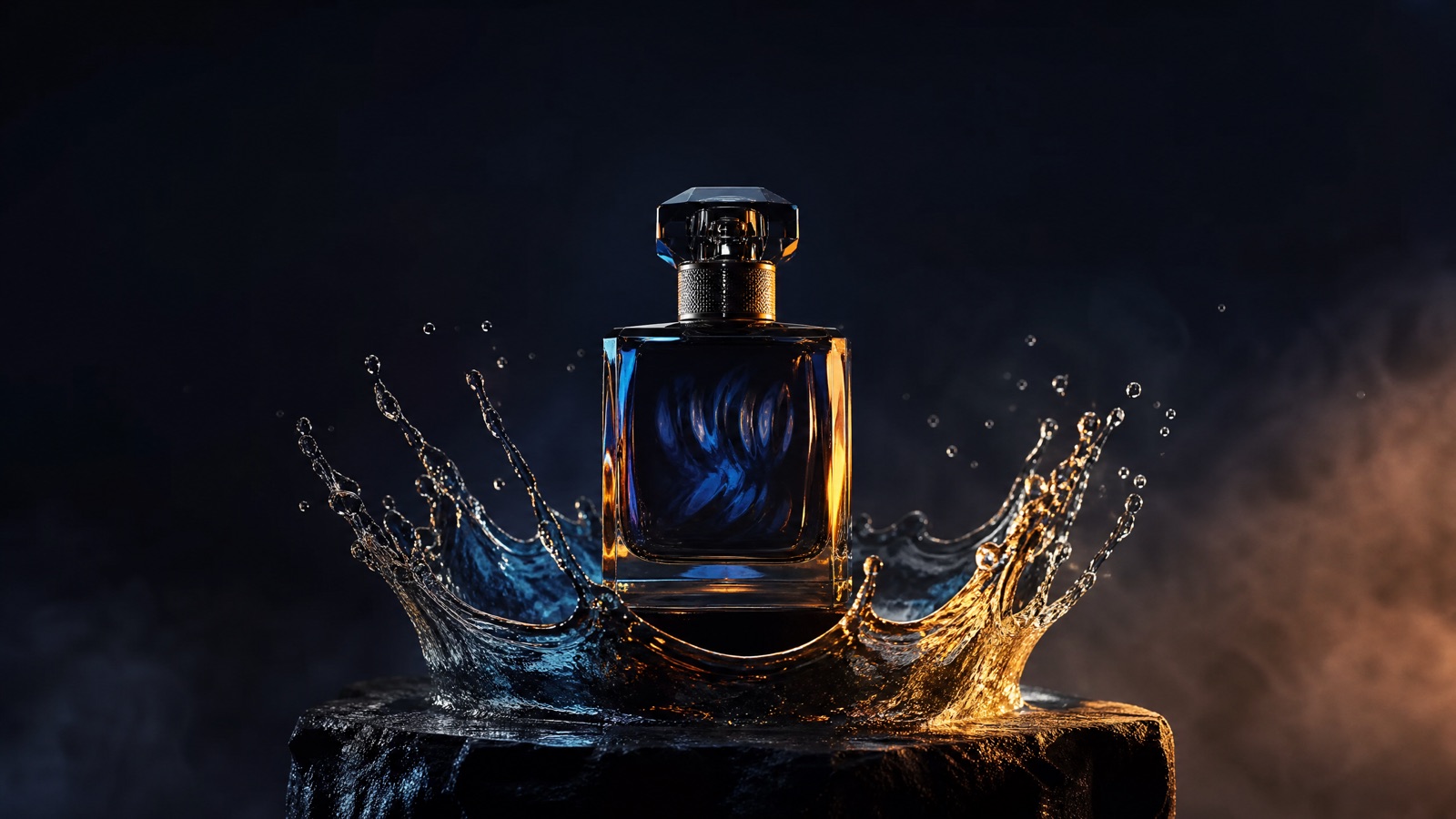
A slow orbit or push-in on a packshot. The product stays sharp while the light travels across the surface.
Video generation · Workflow guide
Product video prompts have a harder job than scene prompts: the product must stay recognizable while everything around it moves. The label, silhouette, and color are the product. Treat them as protected assets, not style suggestions.
Start with a clean product photo on a simple background. Protect the shape, label, color, and logo placement. Describe one camera move and one environment. Generate short variants for hooks, not a full ad. Check the label and packaging before using the clip.
A clean packshot or product photo with a readable label
A 5-second hero clip or lifestyle insert
Kling 3.0, Veo 3.1, Sora 2, Gemini Omni Flash
Cut variants into ads and product pages
Pick a preset, adjust the subject and scene, then copy the prompt. The optional photo preview stays in your browser: this page does not upload it. The generator is a separate site with its own terms and pricing.
Copying the prompt does not create an account or charge credits. The hosted generator opens a separate site with its own terms and pricing.
Next: paste the copied prompt in the video studio on flashomni.ai, then check the selected model, duration and credits before generating. This independent guide is not a Google generation service. Photos are previewed locally and are not transferred. View the studio's plans and credits.
A slow orbit or push-in on a packshot. The product stays sharp while the light travels across the surface.
Place the product in a real environment: a bathroom counter, a kitchen, a studio, or outdoors. Keep the packaging exact.
Show one physical action: opening, pouring, clicking, or assembling. One action per clip is easier to verify.
Generate several hooks from the same product reference: different camera moves, environments, and lighting moods.
A text-only product prompt invites invention. Use a real product photo and name the details that must survive.
List the shape, label text, logo placement, cap, and color. If the label is critical, check it at full resolution.
Orbit, push-in, or locked-off with product motion. One move keeps the product readable and the edit easy to cut.
Generate three hooks instead of one long ad. Test the first two seconds, then cut the winner into a longer edit.
Use this structure as a checklist. Replace the bracketed fields, keep the protection lines, and remove anything that does not apply to your shot.
Create a [duration]-second cinematic product video for [product].
Reference: use the uploaded product photo for exact shape, color, and label.
Action: [one product action or camera move].
Scene: [surface, environment, props].
Camera: [shot size, angle, movement].
Light and finish: [key light, reflections, texture].
Do not change the packaging, label, or logo placement.
No extra text, no watermarks.These notes describe where each model tends to fit. They are not a ranking. Model availability changes by provider: WaveSpeed, SeeAPI, FAL, Replicate, and Kie all serve image and video models in this class. The hosted generator shows the available models and credit cost before you run a job.
| Model | Best fit |
|---|---|
| Kling 3.0 | Product motion and camera moves with strong visual polish. |
| Veo 3.1 | Detailed environments and coherent lighting for lifestyle scenes. |
| Sora 2 | Physically believable splashes, pours, and object interaction. |
| Gemini Omni Flash | Iterative edits when the first take needs a small change. |
A single controlled move is enough for a hero clip. The label stays readable because the camera does not rush.
Create a 5-second cinematic product video for a matte black perfume bottle with an amber cap. Use the uploaded product photo for exact shape, color, and label. Slow orbit around the bottle while a narrow amber highlight travels across the glass. Dark stone plinth, soft gradient, thin haze. Low angle, 100mm macro, gentle 20-degree orbit. Keep the label and cap exact. No added text, no logos, no watermarks.The product is the anchor; the cream texture is the motion. Keep the jar still so the label stays sharp.
Create a 5-second skincare product clip. Use the uploaded jar photo for exact shape, label, and lid color. Place the jar on a pale stone surface with water droplets and soft morning light. Slow push-in as a small amount of cream is revealed beside the jar. Overhead 45-degree angle, 90mm macro. Keep the jar unchanged. No text, no logos, no watermarks.Ports and buttons are identity. Protect them explicitly or the model will smooth them away.
Create a 5-second turntable clip for the device in the uploaded photo. Dark studio, reflective floor, cool blue rim light. Rotate the device slowly with a soft highlight sweeping across the casing. Eye level, 50mm lens, centered, 30-degree orbit. Keep the ports, buttons, screen, and logo placement exact. No added text, no watermarks.Text alone cannot preserve a label. Use a real photo and name the details that must stay exact.
A five-second clip with a rotate, an open, and a pour reads as three products. Choose one action.
Small type warps first. Check the label at full size, and do not rely on the model to reproduce fine print.
Do not put performance claims in the prompt or on-screen text unless the claim is true and substantiated.
It can preserve the label when you provide a clean reference and explicitly protect the shape, text, and logo placement. Always inspect the final frame at full resolution; fine print is the first thing to warp.
No. A clean packshot or product photo is enough for a short hero clip. A 3D model helps when you need precise rotation and consistent geometry.
Check the model's commercial-use terms and your own rights to the product imagery. This guide does not grant rights or verify claims.
Five seconds is a good default for a hook or a product-page loop. Build a longer ad by cutting several short clips together.
Add typography in your editor. Generated lettering is unreliable, and ad claims need review before publication.
Start with the model that handles product motion and reflections best for your category. Generate the same shot on two models and compare label stability.
Open the hosted generator, paste the prompt, and run one short test. Keep the first generation small; a clean five-second clip is easier to judge than a long one.
Flash Omni is an independent guide and is not affiliated with Google. The hosted generator is a separate product with its own terms and pricing.