Lookbook motion
A slow turn or a step forward that shows the silhouette. Keep the garment and the model consistent.
Video generation · Workflow guide
Try-on video is a consistency problem: the garment has to stay the same while the model moves. The prompt should protect the face, body proportions, pose, and every visible garment detail before it adds motion.
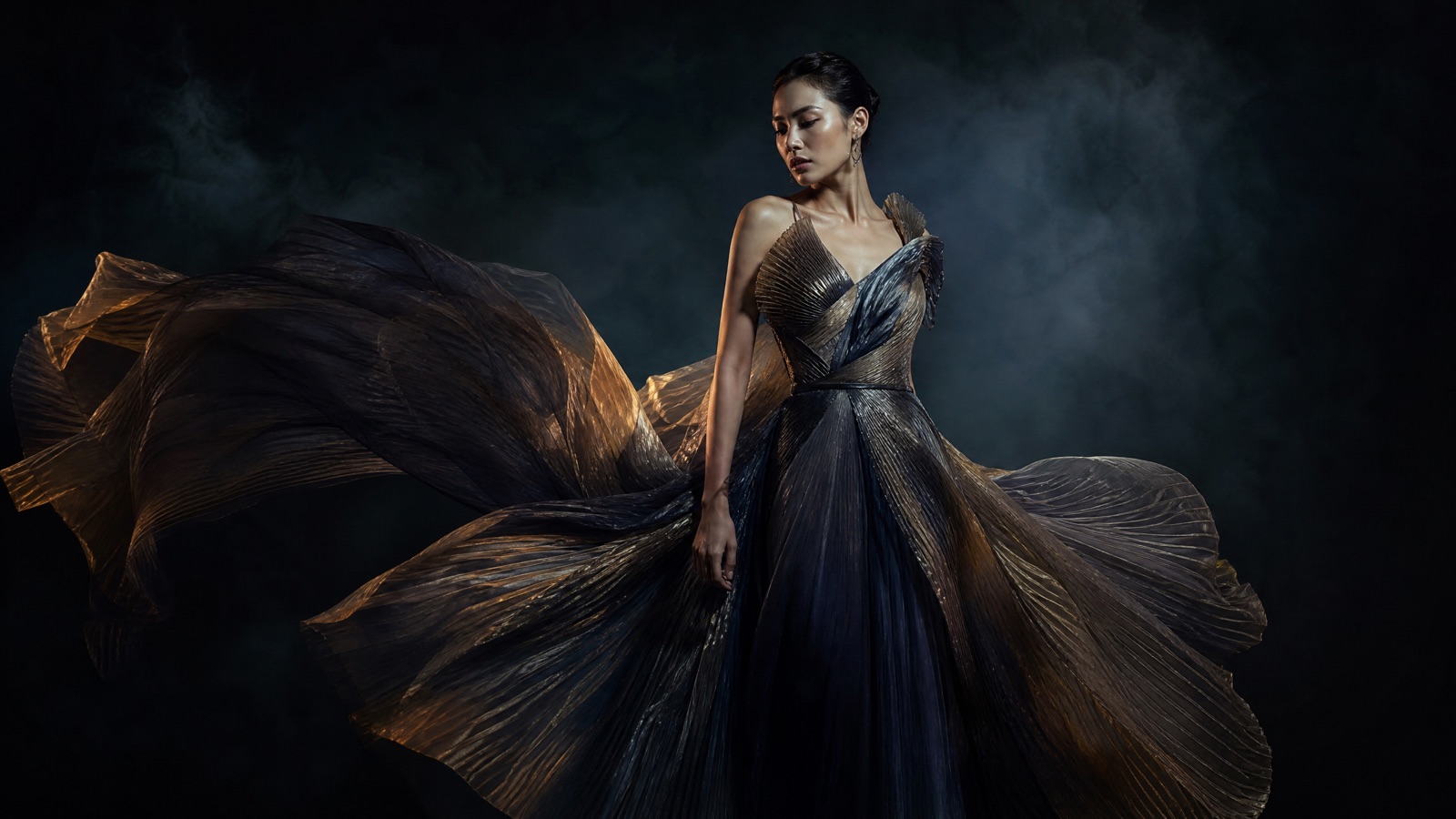
Use a full-body or three-quarter photo with clean light. Preserve face, body proportions, pose, and garment details. Ask for a slow turn or fabric movement, not a runway scene. Check seams, hands, and hem lines before publishing.
A clean full-body or three-quarter look photo
A short lookbook clip with fabric motion
Kling 3.0, Veo 3.1, Sora 2, Gemini Omni Flash
Cut the clip into a lookbook or product page
Pick a preset, adjust the subject and scene, then copy the prompt. The optional photo preview stays in your browser: this page does not upload it. The generator is a separate site with its own terms and pricing.
Copying the prompt does not create an account or charge credits. The hosted generator opens a separate site with its own terms and pricing.
A slow turn or a step forward that shows the silhouette. Keep the garment and the model consistent.
A detail shot of the fabric moving in light. Use it between full-look clips to show texture.
A short clip that shows how a garment moves on a body. Do not imply precise sizing or fit accuracy.
A three-second reveal for Reels or TikTok. Start with the detail, then pull back to the full look.
Use a photo with the full garment visible, minimal wrinkles, and a clear silhouette. Avoid heavy pattern distortion.
Name the face, hair, skin tone, body proportions, and pose. Identity drift is the most common failure.
List the color, material, seams, hem, buttons, and logo placement. If the garment changes, the clip is unusable.
A slow turn, a step, or fabric moving in a breeze. Avoid a full runway walk unless you have a video reference.
Use this structure as a checklist. Replace the bracketed fields, keep the protection lines, and remove anything that does not apply to your shot.
Use the uploaded look photo as the exact model and garment reference.
Preserve: face, hair, skin tone, body proportions, pose, garment color, seams, hem, and logo placement.
Motion: [slow turn, step, or fabric movement].
Camera: [locked-off or slow push-in].
Light: [studio key, rim light, background].
Do not change the garment, body shape, or number of people.
No text, no logos, no watermarks.These notes describe where each model tends to fit. They are not a ranking. Model availability changes by provider: WaveSpeed, SeeAPI, FAL, Replicate, and Kie all serve image and video models in this class. The hosted generator shows the available models and credit cost before you run a job.
| Model | Best fit |
|---|---|
| Kling 3.0 | Character motion and garment consistency for short fashion clips. |
| Veo 3.1 | Editorial lighting and detailed studio scenes. |
| Sora 2 | Believable fabric and body motion for subtle movement. |
| Gemini Omni Flash | Iterative refinements to pose, light, or background. |
The slow turn shows the silhouette without introducing a stride or a new pose.
Use the uploaded look photo as the exact model and garment reference. Preserve the face, hair, skin tone, body proportions, pose, garment color, seams, hem, and logo placement. The model turns slowly to show the silhouette while the fabric settles. Locked-off full-body shot, 50mm lens, eye level. Dark studio, seamless floor, soft grey backdrop. Do not change the garment or body shape. No text, no logos, no watermarks.A close-up gives the editor texture without asking the model to animate a full body.
Use the uploaded look photo as the exact garment reference. Macro 100mm close-up of the fabric moving gently in a breeze. Dark studio, narrow beam of light, soft gradient. Slow lateral dolly, shallow depth of field. Keep the color, weave, seams, and logo placement exact. Do not add people or change the garment. No text, no logos, no watermarks.One step is enough motion for social. The background stays soft so the outfit remains the subject.
Use the uploaded street-style photo as the exact model and outfit reference. The model takes one slow step forward as the fabric moves. Medium-full shot, 50mm lens, gentle tracking. Quiet city sidewalk at golden hour with soft background blur. Keep the outfit, face, and body proportions consistent. Do not change the accessories. No text, no logos, no watermarks.If the color, seams, or hem change, the clip cannot represent the product. Protect garment details explicitly.
Hands and cuffs are part of the look. Keep them visible or clearly out of frame, and inspect fingers.
A runway walk is harder than a slow turn. Start with the simplest movement that shows the silhouette.
Do not present a generated clip as proof of sizing or fit. Label it as a visual preview.
Yes, with a reference-first image model. For video, it is safer to preserve the existing garment and animate the model rather than replacing the outfit mid-clip.
It can when you protect the face, hair, body proportions, and pose, and keep the motion small. Review identity before publishing.
Use photos you own or have permission to use. Check the model's commercial terms and the retailer's image rights.
No. It is a visual preview, not a fit or sizing tool. Do not make sizing claims from a generated clip.
Choose the model that preserves character identity and fabric texture. Test a slow turn on two models before choosing.
Yes. Add them in your editor after generation. Keep captions away from the garment details you want viewers to see.
Open the hosted generator, paste the prompt, and run one short test. Keep the first generation small; a clean five-second clip is easier to judge than a long one.
Flash Omni is an independent guide and is not affiliated with Google. The hosted generator is a separate product with its own terms and pricing.